



Looks right in every mode
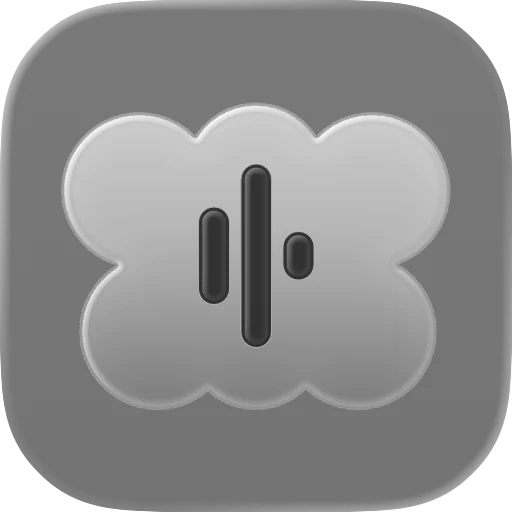
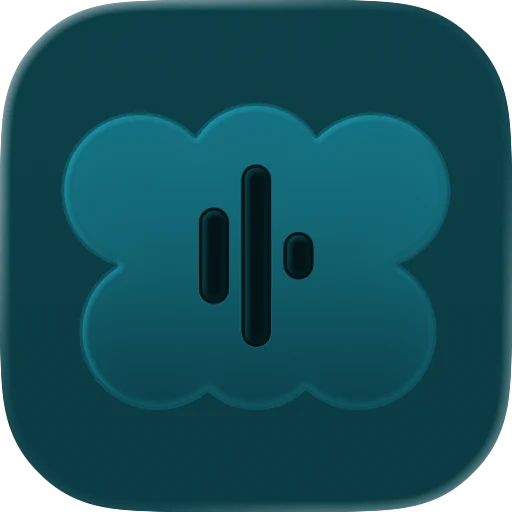
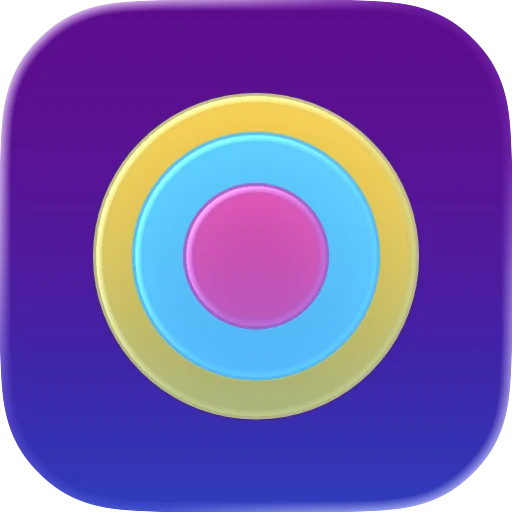
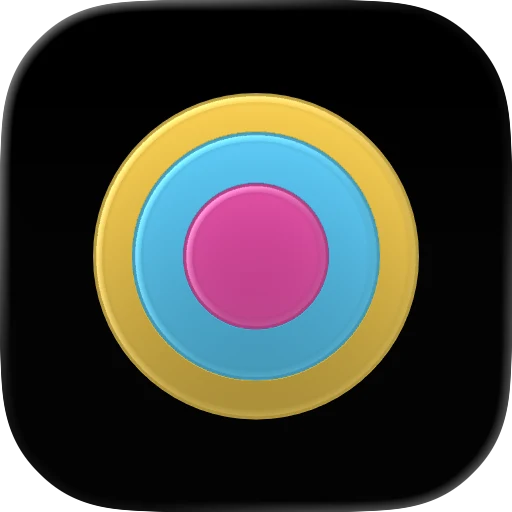
iPhones and Macs show icons in light, dark, clear and tinted. Yours is tuned for each one, so it never looks off on anyone's Home Screen.
For indie developers shipping Mac, iPhone, iPad, and Apple Watch apps. Send a short brief, get a finished icon back — ready for Xcode and the App Store. One free revision included.




All slots are taken right now. Join the waitlist and you'll get first access the moment one opens.
Built for indie apps, prototypes, launches,
and App Store refreshes.
Anyone can build an app now. A weekend, a prototype, an AI tool — and suddenly you have something that runs. But a placeholder icon makes even good work look unfinished, and it's the first thing people see on the Home Screen, the App Store, and your launch post.
A real icon changes that. It tells people the app is finished, considered, and worth opening — before they've read a single word. That's the gap this service closes, fast.
Not just an image. A small kit with every file your app needs, named properly and ready to drop in.
iPhones and Macs show icons in light, dark, clear and tinted. Yours is tuned for each one, so it never looks off on anyone's Home Screen.
One .icon file goes into your project. Xcode makes every size from it, so there's no exporting thirty variants by hand.
1024 by 1024 pixels, crisp up close. For the App Store, your website and press kits.
Clean vector and image sources. Edit them yourself or hand them to any future designer.
Paste it into Claude Code, Codex or Cursor, and your agent installs the icon in your project for you.
No account. No calls. No design jargon. Four little steps, and your app has a real icon.
Fill in one short form — about three minutes. Pick a package, write a few honest sentences about your app, and attach anything you already have: a logo, a sketch, even a photo of a napkin doodle.
You're taken straight to a secure checkout — pay by card like in any online shop, and the receipt lands in your email. Change your mind before I start? Every cent comes back, automatically.
The moment you order, you get your own page — a private link, no login needed. It shows a live countdown of the 48 hours, and you can message me there any time, like texting.
Within 48 hours your icon arrives on that same page, wrapped as a little gift. Tap to unwrap it, then download everything — App Store-ready files, previews, and a ready-made prompt so Claude Code, Codex, or Cursor can install it for you. One round of tweaks included, free.
Two packages — both fully booked right now. The waitlist gets first access.
$99 one-time
You already have an app, a rough logo, a sketch, or a clear concept.
$199 one-time
You're starting from just an app idea or description.
Capacity stays deliberately small so the 48-hour promise holds. Leave your email and you'll get first access the moment a slot opens.
One email when a slot opens — nothing else.
One. I focus on a single polished design rather than spreading effort across rough options. It comes with one round of revisions to refine it, so you end up with one icon done properly instead of several done halfway.
A revision is an adjustment to the icon I delivered — color, detail, weight, framing, that kind of refinement. I gather your notes and apply them in one round. Asking for a completely different concept, or changing the brief after we start, is a new order rather than a revision.
An Xcode-ready icon package that drops straight into your project, SVG and PNG source files, a 1024px marketing PNG, previews of the light, dark, clear, and tinted looks, install notes, and a ready-made prompt so an AI coding agent can install the icon for you. Everything you need to ship and to promote the app.
Yes — that's the $199 New Icon package. Tell me what your app does and the feeling you're after, and I'll design an original concept from your brief. If you already have a logo, sketch, or clear concept, the $99 Icon Refresh is the better fit.
That's what the revision is for — tell me what's off and I'll fix it. If you cancel before I start production, you get a full refund. After that, refunds aren't normally offered unless I don't deliver what's listed or clearly ignore your brief.
The focus is Apple platforms — Mac, iPhone, iPad, and Apple Watch — because that's where I can deliver the most polished, native result. The SVG/PNG source files you receive can often be adapted for other uses, but Android and web icons aren't part of the package.
Yes, as one tool in the process. AI helps generate initial imagery, then the work goes through vector cleanup in Figma and final assembly in Apple's Icon Composer so the result is sharp, native, and Xcode-ready. The taste and the finishing are mine.
48 hours for an Icon Refresh and 72 hours for a New Icon, counted from when your brief is complete. I keep capacity limited on purpose so these timelines are real, not aspirational. Need it even faster? A 24-hour rush is available for +$50 when there's room.
Yes, that's exactly who this is for. Whether you built it with Cursor, Claude Code, Codex, Lovable or anything else, tell me what the app does and I'll make a real icon for it. If you have nothing to start from, pick the $199 New Icon. If you have a rough logo or an idea of the look, the $99 Icon Refresh is enough.
Yes. Send it as your starting point with the $99 Icon Refresh. I keep the idea, then redraw it as clean vectors and rebuild it in Apple's Icon Composer, so it's sharp at every size and looks at home next to Apple's own icons.
Yes. A logo usually needs reshaping to work as an app icon: simpler shapes, a bolder mark and the right spacing inside the rounded square. That's the $99 Icon Refresh, delivered in 48 hours.
Yes. I build every icon in Icon Composer, Apple's tool for the Liquid Glass icons that came with iOS 26 and macOS Tahoe. It's set up for the light, dark, clear and tinted looks, and you get a preview of each before you ship.
Yes. iPhone, iPad, Mac and Apple Watch are all covered. Tell me in your brief which ones your app runs on and I design for those.
You don't need to. The package comes with short install notes and a ready-made prompt you paste into your AI coding agent, like Claude Code, Codex or Cursor, and it adds the icon to your project for you. If you'd rather do it by hand, it's one file you drag into Xcode.
Apple designs iPhone, iPad and Mac icons on a 1024 by 1024 pixel canvas, and Apple Watch icons on 1088 by 1088. With current Xcode you add one Icon Composer file and the system makes every size from it, so you don't export a pile of sizes by hand. My package includes that file and a 1024px PNG for the App Store and your website.
One polished direction, delivered in 48 hours and ready for Xcode and the App Store. From $99.